Renting GPUs for AI model training allows businesses and developers to access high-performance computing resources without investing in expensive hardware infrastructure. With Cloud GPUs, users can train Machine Learning and Deep Learning models or fine-tune large language models (LLMs) on remote servers. HostingViet will help you understand how to select a GPU, compare popular platforms, estimate costs, and set up a suitable training environment.
1. Why Rent a GPU for AI Model Training?
Training an AI model involves processing data, calculating errors, and continuously updating model parameters to improve prediction accuracy. For Deep Learning models with millions or billions of parameters, the computational workload can far exceed what a conventional CPU can efficiently handle.
Instead of purchasing a dedicated GPU server, renting a Cloud GPU for AI training provides remote access to computing resources, allowing you to select suitable configurations and allocate your budget according to each project phase.
1.1. How GPUs Accelerate AI Model Training Compared to CPUs
A GPU (Graphics Processing Unit) features a parallel processing architecture well suited to the matrix operations commonly used in artificial neural networks. NVIDIA GPUs that support CUDA and Tensor Cores can further accelerate computations widely used in Deep Learning.
When training models with PyTorch or TensorFlow, a GPU can process many operations simultaneously, significantly reducing training time compared to a CPU-only environment.
Tasks that commonly benefit from GPU acceleration include:
- Training image recognition and classification models.
- Fine-tuning large language models (LLMs).
- Training Natural Language Processing (NLP) models.
- Computer Vision, Object Detection, and OCR.
- Training image generation and video processing models.
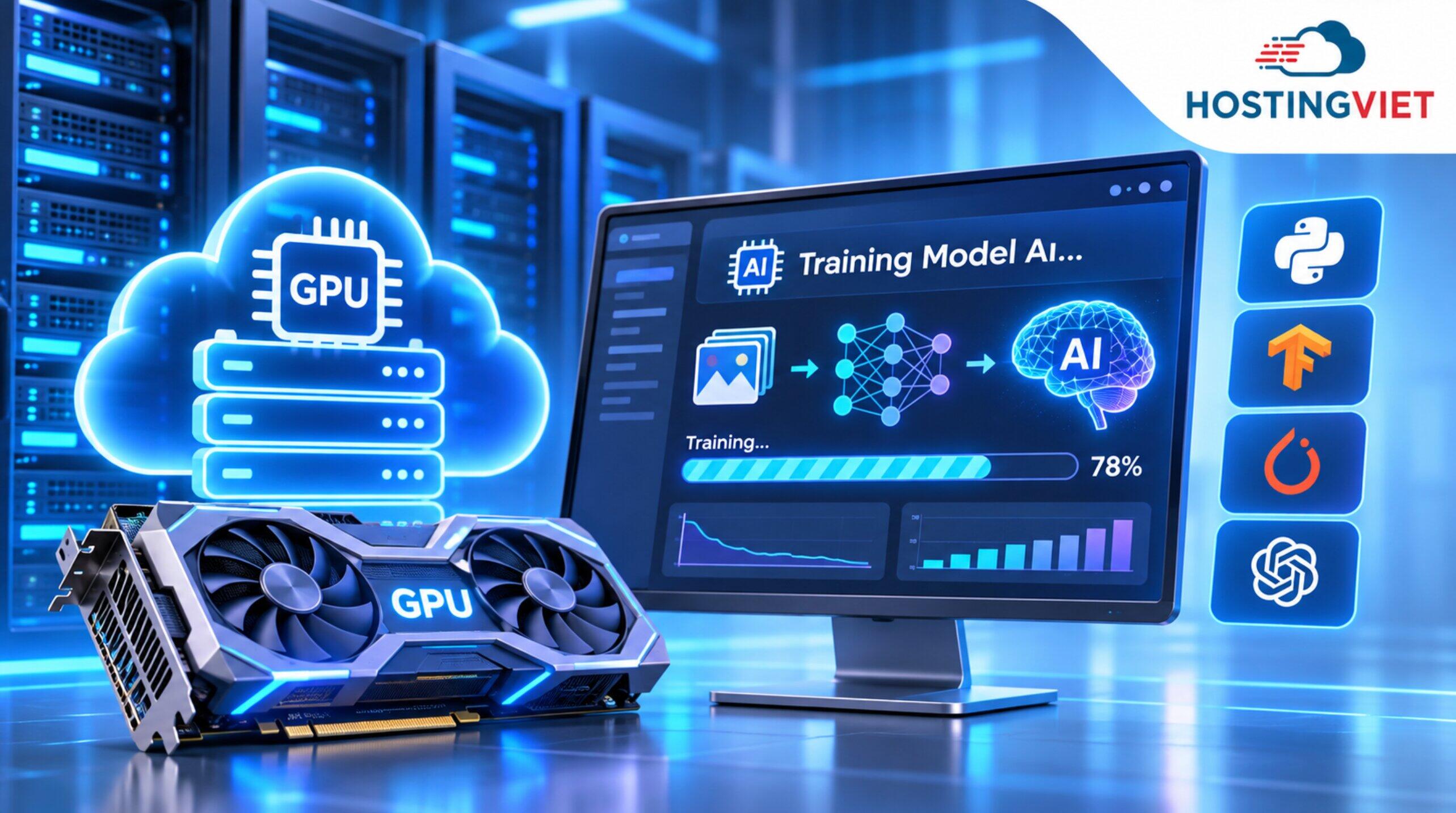
1.2. Save on Hardware Investment and Server Operating Costs
Building a dedicated AI training system requires more than purchasing GPUs. Businesses must also provide suitable CPUs, RAM, motherboards, power supplies, storage drives, and cooling systems.
Configurations based on NVIDIA A100, H100, or H200 GPUs can require substantial capital investment, particularly when a project needs multiple GPUs running simultaneously.
Beyond hardware, businesses must account for electricity, cooling, maintenance, server space, and system administration personnel. These expenses continue throughout the system's lifecycle.
Renting GPUs online converts much of the upfront investment into service-related operating expenses. Development teams can experiment with models before deciding whether to scale up or invest in long-term infrastructure.
Furthermore, as GPU technology continues to advance, renting gives businesses the flexibility to switch to newer hardware generations, provided that the service provider supports them and the configurations meet project requirements.
1.3. Use GPU Resources Flexibly Across AI Development Stages
Not every AI project requires GPUs to run continuously. In practice, development typically involves data preparation, experimentation, training, evaluation, and model deployment.
During dataset preparation or coding, GPU requirements may be minimal. Greater computing power is usually needed once training begins. After training is complete, the system may transition to inference or temporarily stop using GPU resources.
On platforms that charge based on actual usage, users can provision GPUs only when necessary instead of maintaining a high-performance server for an entire month.
If a model requires uninterrupted training for weeks or months, renting a dedicated physical server equipped with a GPU is also worth considering to optimize long-term costs.

2. Advantages and Benefits of Renting Cloud GPUs for AI Training
Cloud GPU is a service that provides graphics processing resources through cloud computing infrastructure. Depending on the platform, GPUs may be allocated exclusively, partitioned, or combined into a computing cluster.
For businesses that have not yet determined their long-term requirements, renting reduces the pressure of upfront investment and makes it easier to test different configurations.
2.1. Cloud GPU Rental vs. Purchasing Physical GPUs
Choosing between renting GPUs and purchasing a GPU server depends on usage duration, budget, security requirements, and infrastructure management capabilities. Each approach has distinct advantages, and neither is always more cost-effective in every situation.
| Criteria | Purchasing Physical GPUs | Renting Cloud GPUs |
|---|---|---|
| Upfront costs | Requires investment in GPUs and server hardware | No hardware purchase required, but deposits or advance payments may apply |
| Payment model | Hardware investment, electricity, and maintenance expenses | Hourly, per-minute, per-second, or fixed rental periods, depending on the service |
| Scalability | Additional equipment must be purchased and installed | Configurations can be changed if the platform has available capacity |
| Hardware maintenance | Managed by the business | Handled by the provider according to the contract's scope |
| GPU upgrades | Requires hardware replacement | May allow switching to another GPU model |
| Best suited for | Large, stable workloads with long-term utilization | Experiments, research, and phased training projects |
2.2. AI Development Environments with CUDA, Docker, and Python
One notable advantage of Cloud GPU platforms is that they can provide preconfigured development environments. Users can select suitable images or templates to start working more quickly.
Commonly used components include:
- NVIDIA Driver: Allows the operating system to recognize and use the GPU.
- CUDA Toolkit: Provides tools for developing NVIDIA GPU-accelerated applications.
- cuDNN: A library that supports Deep Learning operations.
- PyTorch and TensorFlow: Frameworks for building and training AI models.
- Docker: Packages the environment and required libraries.
- Jupyter Notebook: Enables interactive development, testing, and results analysis.
3. Popular GPU Rental Platforms for AI Model Training
The market for GPU rental services for Deep Learning offers numerous options, ranging from enterprise cloud platforms to specialized GPU providers and beginner-friendly Notebook environments.
To make an informed choice, first identify your training objectives, VRAM requirements, expected runtime, server location, and budget before comparing rental prices.
3.1. How to Choose the Right GPU for AI Model Training and Fine-Tuning
One of the most important specifications when renting a GPU is VRAM (Video RAM), the graphics card's dedicated memory. During training, VRAM holds not only model weights but also gradients, optimizer states, and intermediate data.
Common GPU options include:
| GPU | VRAM | Typical Use Cases |
|---|---|---|
| NVIDIA RTX 3090 | 24GB | Computer Vision, experimentation, and lightweight fine-tuning |
| NVIDIA RTX 4090 | 24GB | Training small to medium-sized models and Deep Learning experiments |
| NVIDIA A100 | 40GB or 80GB | LLM fine-tuning and advanced training workloads |
| NVIDIA H100 | 80GB | LLMs, Deep Learning, and high-performance computing |
| NVIDIA H200 | 141GB | AI workloads requiring large memory capacity |
These are general recommendations based on workload type, not guarantees that a particular model will run successfully. For example, even a model with fewer than 10 billion parameters may require substantial VRAM when all parameters are trained.
Conversely, techniques such as LoRA and QLoRA can reduce memory requirements during fine-tuning, depending on the model architecture, batch size, and actual configuration.
3.2. Enterprise Cloud GPU Providers: AWS, Google Cloud, and Microsoft Azure
Major cloud computing platforms such as Amazon Web Services (AWS), Google Cloud Platform (GCP), and Microsoft Azure offer a wide range of GPU-enabled virtual machine configurations.
These services are suitable for businesses that need to integrate AI resources with storage systems, private networks, databases, identity management, and monitoring tools within the same ecosystem.
- AWS: Offers GPU-enabled EC2 instance families for Machine Learning, inference, and training.
- Google Cloud: Provides GPU-accelerated virtual machines and AI development services.
- Microsoft Azure: Offers GPU-enabled virtual machine families and Azure Machine Learning.
Their strengths include extensive service ecosystems, enterprise infrastructure capabilities, and centralized management tools.
However, budget estimation can be more complex because costs may include not only GPUs but also storage, networking, IP addresses, and related services.
3.3. Specialized GPU Providers and Beginner-Friendly Platforms
If your primary goal is to rent a GPU for running AI code without deploying an entire cloud ecosystem, specialized platforms may be a better fit.
- RunPod: Provides GPU Pods, Serverless services, and GPU Clusters with various GPU models.
- Vast.ai: A marketplace where users can select GPUs from different resource providers, with prices varying by machine.
- Lambda: Focuses on GPU instances and GPU clusters for AI workloads.
- Paperspace: A DigitalOcean platform offering GPU virtual machines and Notebook-based development environments.
- Google Colab: Suitable for learning Python and Machine Learning and experimenting with models in a Notebook environment.
- Kaggle Notebooks: Useful for learning, data experimentation, and appropriately sized Machine Learning tasks.
In terms of pricing, RunPod offers a range of rental options, from RTX GPUs to A100, H100, and H200 models. On Vast.ai, prices also vary by host, region, reliability, and resource availability.
Free GPU resources on Colab and Kaggle are limited and subject to usage policies. Therefore, projects involving extended training should verify session duration, storage capacity, and the ability to maintain an active session.

GPU Rental Services and AI Model Training Server Pricing at HostingViet
HostingViet provides infrastructure solutions including Cloud VPS, NVMe VPS, and Dedicated Servers.
For projects that require GPUs for AI training, Deep Learning, or large-scale data processing, HostingViet accepts requests and provides consultation on customized configurations. GPU models, VRAM, CPU, RAM, and storage capacity should be selected based on the actual workload.
GPU Infrastructure and AI Server Solutions at HostingViet
For projects requiring GPU resources, customers can explore HostingViet's AI server rental service to identify a suitable solution.
HostingViet's Dedicated Server offerings include configurations with Intel Xeon CPUs, DDR4 RAM, and Enterprise SSD/NVMe storage. Its dedicated server plans specify 200Mbps Clean Traffic behind DDoS/Firewall filtering, unlimited bandwidth, and management support within the service's scope.
For training servers, NVMe storage can improve dataset access, checkpoint storage, and performance for frequent read/write operations.
HostingViet also accepts requests for specialized GPUs. However, RTX, A100, H100, and H200 GPUs are not included by default in the listed Dedicated Server configurations. Customers should confirm the GPU model, quantity, availability, and compatibility before renting.
GPU Server Rental Pricing at HostingViet
The cost of renting GPUs for AI model training at HostingViet depends on the base server configuration, GPU, VRAM, additional resources, and rental term.
HostingViet currently does not publish fixed hourly rental rates for modern AI GPUs. Customers can refer to the Dedicated Server prices below to estimate the underlying infrastructure costs before adding a GPU.
| Server Plan | CPU | RAM | Storage | Starting Price/Month |
|---|---|---|---|---|
| DS V3 | Intel Xeon E5-2600 V3 | 32GB | 960GB SSD/NVMe | VND 3,300,000 |
| DS V4 | Intel Xeon E5-2600 V4 | 64GB | 960GB SSD/NVMe | VND 3,950,000 |
| DS Silver | Intel Xeon Silver 4114/4116 | 96GB | 960GB SSD/NVMe | VND 5,150,000 |
| DS Gold 1 | Intel Xeon Gold | 128GB | 1.92TB SSD/NVMe | VND 7,500,000 |
| DS Gold 2 | Intel Xeon Gold | 192GB | 960GB SSD/NVMe | VND 9,300,000 |
Note: These are base dedicated physical server prices for a 12-month billing term. They exclude GPUs, 10% VAT, and additional resources. The plans listed above do not include GPUs by default. GPU installation or upgrades must be confirmed by the technical team.
HostingViet also lists several optional GPU add-ons for its dedicated server service:
| GPU Option | Indicative Price/Month | Notes |
|---|---|---|
| 2GB GPU | VND 450,000 | Depends on the available graphics card model |
| 4GB GPU | VND 900,000 | Verify that the VRAM capacity meets requirements |
| NVIDIA Tesla K40 12GB | VND 3,800,000 | Older-generation GPU; driver and CUDA compatibility must be checked |
| Specialized AI GPU | Contact for a quote | Confirm the exact GPU model and configuration |
Important: The NVIDIA Tesla K40 is an older-generation GPU and should not be assumed to be compatible with modern versions of PyTorch, TensorFlow, and CUDA. If you need a GPU to fine-tune LLMs or train newer models, carefully check the software requirements before choosing a configuration.
Customers can view HostingViet's dedicated server rental price list or call 024.2222.2223 to discuss a GPU configuration that meets their needs.
Step-by-Step Guide to Renting a GPU for AI Model Training
Renting a GPU is relatively straightforward once you have identified the model type, required resources, and estimated training time.
The six basic steps below apply to Cloud GPU platforms such as RunPod, Vast.ai, Lambda, and GPU Server services that provide the necessary administrative access.
Steps 1 and 2: Create an Account and Select the Right GPU
Step 1: Register an account and set up billing.
Visit your chosen GPU platform, create an account, and complete any required verification steps. Some services require an international payment card, while others use prepaid credits or periodic invoicing.
Before adding funds, check spending limits, refund policies, and storage fees. Do not assume every platform requires a minimum deposit of USD 10–20, as payment terms can differ.
Step 2: Choose a GPU configuration.
Determine your workload type, required VRAM, number of GPUs, RAM, and storage capacity.
- Small Computer Vision experiments: Consider GPUs with 16–24GB of VRAM.
- LLM fine-tuning with LoRA/QLoRA: Choose a GPU based on the model's actual memory requirements.
- Advanced training: Consider an A100, H100, or larger GPU when necessary.
- Distributed training: Check the interconnect bandwidth between GPUs and nodes.
Avoid choosing hardware based solely on a model's parameter count. The same model may have very different VRAM requirements for inference, fine-tuning, and full-parameter training.

Steps 3 and 4: Choose a CUDA Environment and Connect to the GPU Server
Step 3: Choose an operating system and template.
Ubuntu Linux is commonly used in AI projects because it supports Python, Docker, NVIDIA Drivers, and Machine Learning frameworks.
If your platform provides prebuilt images, you can select a PyTorch or TensorFlow environment with a compatible CUDA version. Using Docker images with pinned versions helps reduce compatibility issues when moving workloads between servers.
Step 4: Connect to the GPU server.
After launching an instance, users can connect through SSH, Jupyter Notebook, or VS Code Remote SSH, depending on the service configuration.
On a server with an NVIDIA GPU, you can check the device status using:
nvidia-smiThis command displays GPU information, driver details, VRAM capacity, and processes currently using the device. If the system does not detect the GPU, check the resource allocation and driver configuration.
When using an on-demand GPU server at HostingViet, confirm the scope of driver, CUDA, and software installation before handover.
Steps 5 and 6: Upload Your Dataset, Train the Model, and Release GPU Resources
Step 5: Upload data and start training.
Datasets can be transferred to the server through SFTP, synchronization tools, or direct downloads from authorized data repositories. Common sources include GitHub, Hugging Face, and Object Storage services.
Before running a model, verify the data format, available disk space, library versions, and GPU accessibility.
During training, monitor the following:
- GPU utilization and VRAM usage.
- GPU temperature and power consumption.
- Training loss and validation loss.
- Learning rate, batch size, and number of epochs.
- Processing time per training step.
- CPU, RAM, and storage read speeds.
Step 6: Save the model and end the rental session.
After training, save checkpoints and model weights, such as .pth, .pt, or .safetensors files, to long-term storage.
Verify that you can reload the checkpoint before deleting the instance. For time-based billing services, use the appropriate Stop or Terminate action according to the provider's policy to avoid ongoing GPU charges.
Conclusion
Renting GPUs for AI model training gives businesses and developers access to powerful computing resources, speeds up training, and reduces upfront hardware investment. To achieve the best results, choose a GPU based on the actual workload, VRAM requirements, training duration, and budget. With Cloud VPS, Dedicated Server, and custom GPU server solutions, HostingViet offers infrastructure consulting for AI projects. Explore HostingViet's AI Server service to find the right deployment option.
-
Báo xấuPhản hồi{comment_date}{comment_content}